
More builders are reaching the same conclusion: instead of stitching together five SaaS subscriptions, rent one VPS, take root, and run the whole thing as a single Docker stack. It's cheaper, it's yours, and nothing gets deprecated out from under you. The catch is that "I have root and Docker" is the start of the work, not the end. The SaaS you left was quietly doing backups, patching, monitoring, and TLS for you. On a one-box VPS, that's all yours now — so launch it behind guardrails instead of discovering each gap during an incident.
Guardrail 1: pick the provider for the boring reasons
The cheapest hourly price is the wrong selection criterion. For a box that will hold real data, weigh:
- Snapshots and backups the provider offers (and what they cost).
- Network/bandwidth included before overage.
- Real performance, not the spec sheet — a proper benchmark tells you what the vCPU actually delivers.
- Region and data residency if that matters to you.
Decide this once; migrating providers later because you optimized for $1/month is its own project.
Guardrail 2: a backup you've restored, before real data lands
This is the guardrail people skip and regret. A one-box stack means one failure domain, so backups must leave the box:
- Logical database dumps on a schedule, shipped off the VPS (object storage or a second host).
- App data/config included, consistent with the database.
- A restore rehearsed once on a scratch target — a volume restore drill turns "I have backups" into "I can recover."
Do this before you import anything you'd miss.
Guardrail 3: deploys that are repeatable, not artisanal
The fastest way to lose a one-box setup is to configure it by hand and never write it down. Keep the stack reproducible:
- The whole thing in a versioned
docker-compose.ymlwith pinned image digests — test the exact image you deploy, don't chase:latest. - A documented rebuild path so the box is recreatable, not a unique snowflake — the discipline behind trustworthy VPS rebuild automation.
- Host prerequisites (sysctls, directory ownership, ports) handled up front — the hidden prerequisites Compose scripts miss.
Guardrail 4: monitoring and TLS, because nobody else is watching
The SaaS dashboard that told you something broke is gone. Replace it:
- An uptime + certificate check that runs off the box (so it survives the box being down) and warns before a cert expires — monitoring beyond a basic uptime ping.
- HTTPS with renewal that reloads the proxy — the renew-and-reload trap is the classic silent failure.
- Alerts routed somewhere you'll actually see, not muted.
Guardrail 5: don't expose what you don't have to
One box means a smaller attack surface only if you keep it small. Keep the Docker control plane off the network (safer management boundaries), publish only the ports you need, and reach admin interfaces over a private path.
Launch checklist
- Provider chosen for backups/bandwidth/performance, not just price.
- Off-box backups, restore rehearsed once.
- Stack in version control, image digests pinned, rebuild documented.
- Off-box uptime + cert monitoring; HTTPS auto-renew that reloads.
- Management plane private; only necessary ports exposed.
Manage it from one place
A single dashboard over the box — apps, status, deploys, backups — beats SSHing in to check each thing.
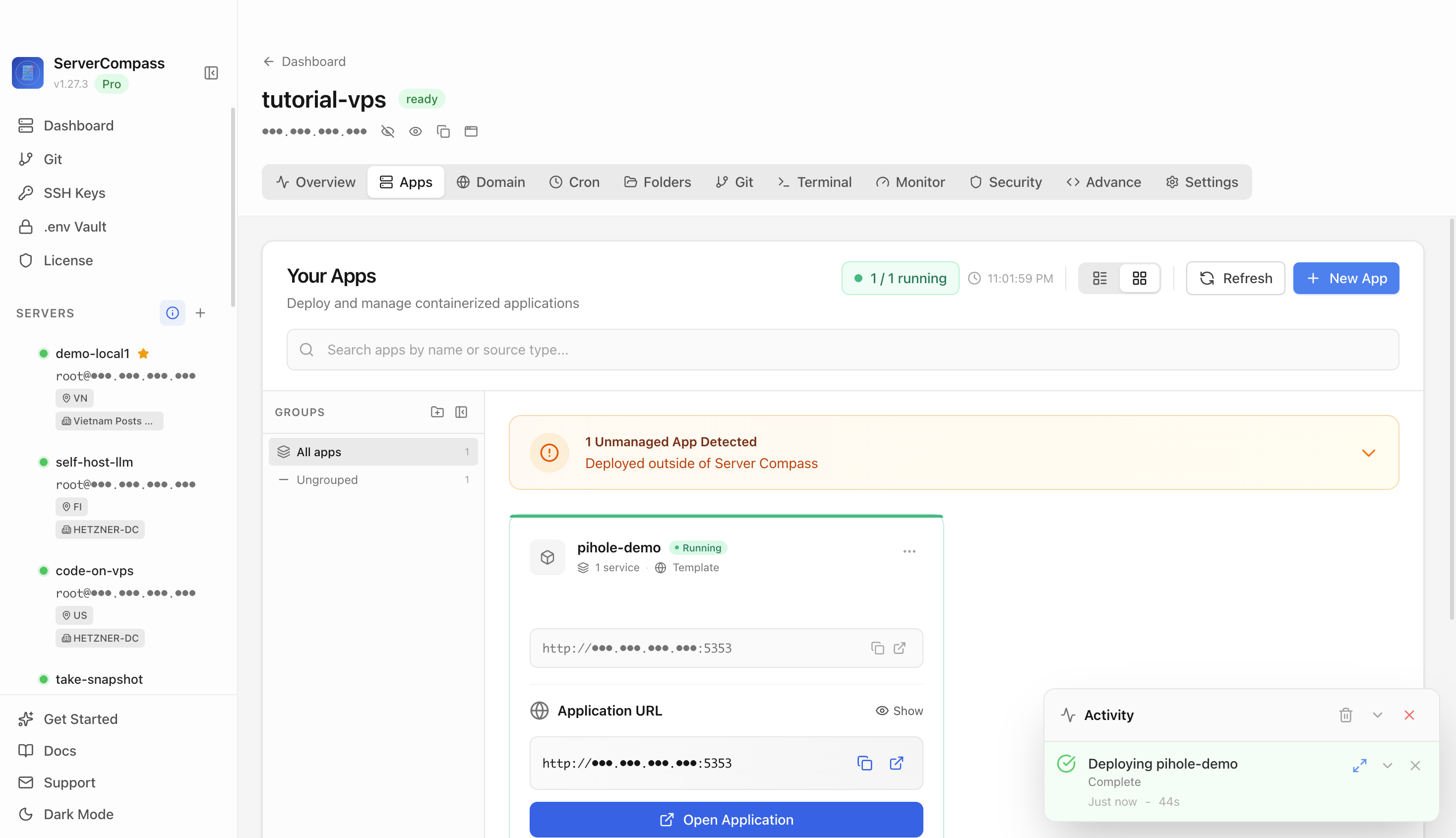
 Operating a one-box stack from the ServerCompass dashboard — deploy, restart, and backup controls in one place instead of a folder of SSH commands.
Takeaway
Trading SaaS for a one-box VPS is a great move, but the subscription was paying for invisible work: backups, monitoring, TLS, and patching. Put those guardrails up before the box holds anything you care about, and self-hosting stays the freedom you wanted instead of a pager you didn't.
From across the StoicSoft network
Hand-curated reads on the same topic from sister sites in the StoicSoft family.
 Deploy Handbook8 min read
Small self-hosters need a migration preflight before Vercel, colo, or VPS changes become scary
Fresh Reddit threads show two versions of the same deployment anxiety. A freelancer with a simple React/D3 portfolio and Vercel-managed domain wants to leave Vercel but is unsure how risky the provider and domain move will be. A self-hoster with a colocated…
Read on deployhandbook.com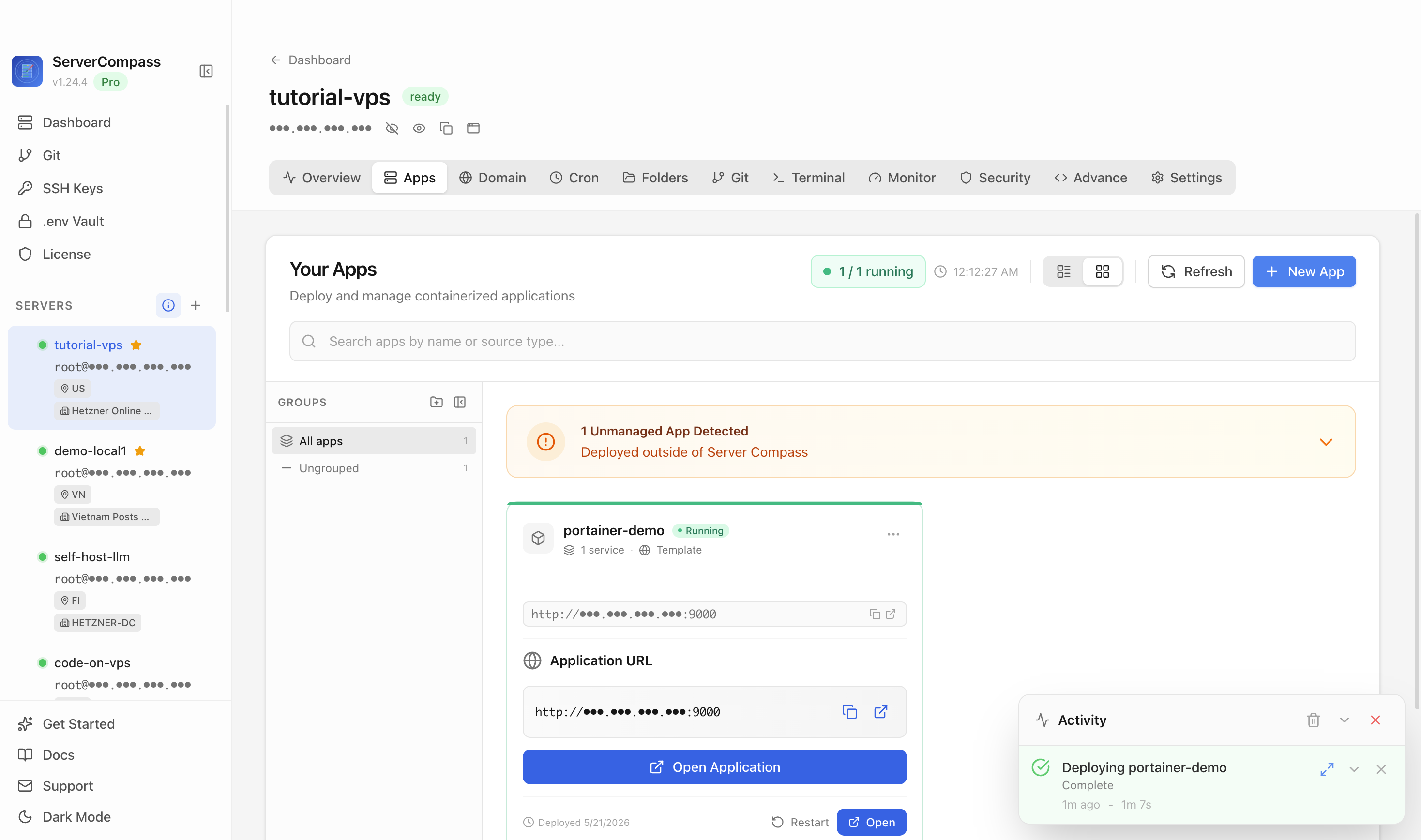 Deploy Handbook8 min read
Self-hosters want a simpler middle path before their containers turn into platform engineering
A fresh self-hosted thread asks what people cut back after their setups became too complex, while another documents a migration from one hardened Docker Compose VM into a TrueNAS-backed Nomad/Consul/Vault platform. Together they show the middle-market…
Read on deployhandbook.com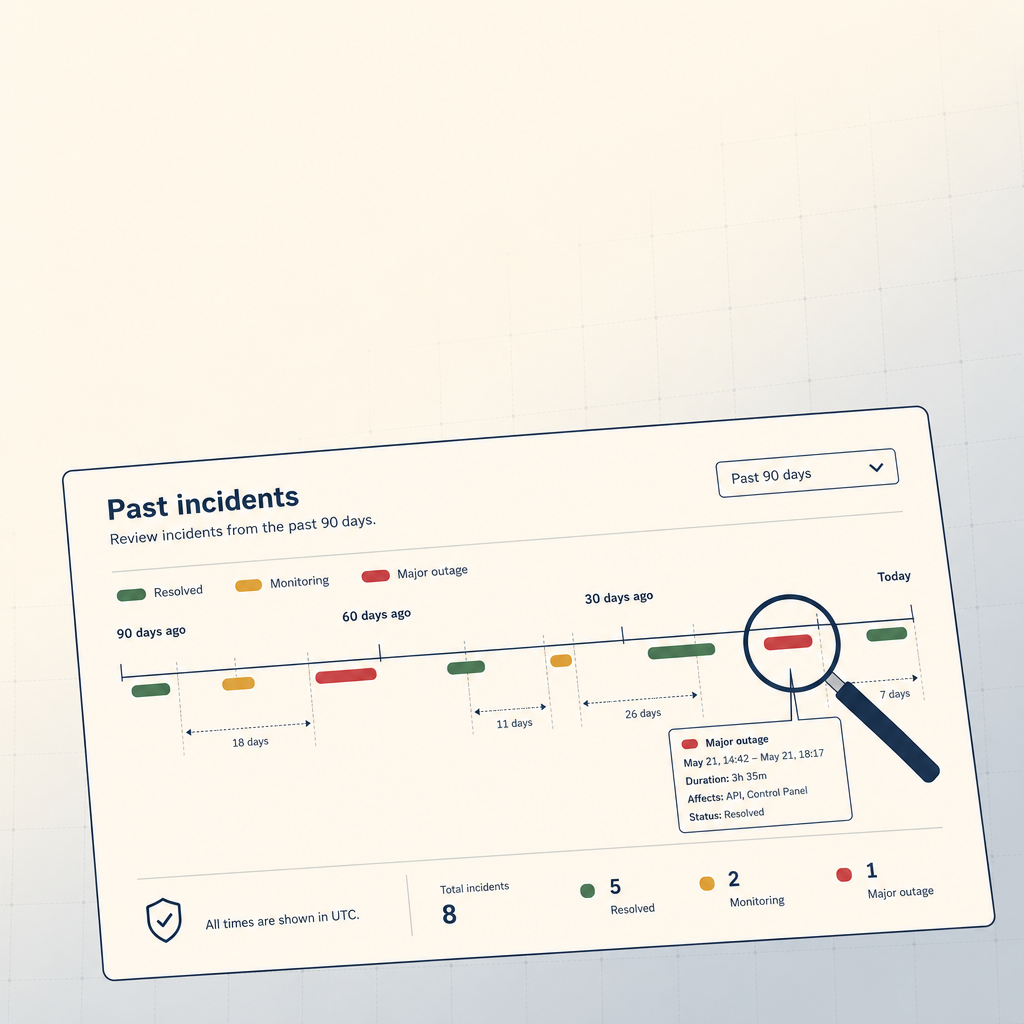 StoicVPS8 min read
How to Read a VPS Provider's Status Page (And What to Ignore)
The status page is the single most underused signal in VPS provider evaluation. The 90-day skim, what to look for, and what to weight elsewhere.
Read on stoicvps.com