docker compose up -d finishes, everything says Started, and ten minutes later the app is in a crash loop or silently broken. The Compose file did its job — it's the host that wasn't ready. A surprising number of self-hosted apps depend on prerequisites that live outside the YAML entirely, and the one-line setup scripts that promise "just run this" almost always skip them. This is the distinct sibling of Compose drift over time: drift is about the config changing under you; this is about what was never set on the host in the first place.
The prerequisites that aren't in the Compose file
Kernel parameters (sysctls). The classic is Elasticsearch/OpenSearch needing vm.max_map_count=262144 — without it the container exits immediately. Others need net.core.somaxconn raised, or vm.overcommit_memory for Redis. These are host settings; Compose can request some via sysctls: but many must be set on the host and made persistent in /etc/sysctl.d/.
Kernel modules. Apps doing networking or storage tricks (WireGuard, some VPN containers, ZFS tooling) need a module loaded on the host. If it's missing, the container starts and the feature just doesn't work.
Host directory ownership. Bind-mounted directories must be owned by the UID the container runs as. Create the dir as root, and the app — running as uid 1000 — can't write to its own data path. This is the quiet "it started but won't save anything" failure.
Ports already in use. A port the app wants is taken by another service, so it binds partially or not at all. On a multi-app box this is common enough to deserve its own treatment — see multi-app VPS port collisions.
Required environment / secrets. A missing .env value doesn't always stop startup; sometimes the app boots with an insecure default or a blank admin password. Worse than crashing, because it looks fine.
Run a preflight, not a post-mortem
The fix is to check these before up, not diagnose them after:
- Required sysctls set on the host and persisted (
vm.max_map_count, etc.). - Needed kernel modules loaded and set to load on boot.
- Bind-mount directories created and chowned to the container's UID/GID.
- Target ports confirmed free.
- Every required env var present; no app left on a default password.
- Disk headroom on the data volume.
A two-minute preflight turns "started but broken" into "actually working."
Templates encode the prerequisites
The reason a one-line script misses these is that it only knows about the container, not the host. A managed deployment that's built per-app can set the sysctls, create the directories with the right ownership, and pick free ports as part of bringing the app up.
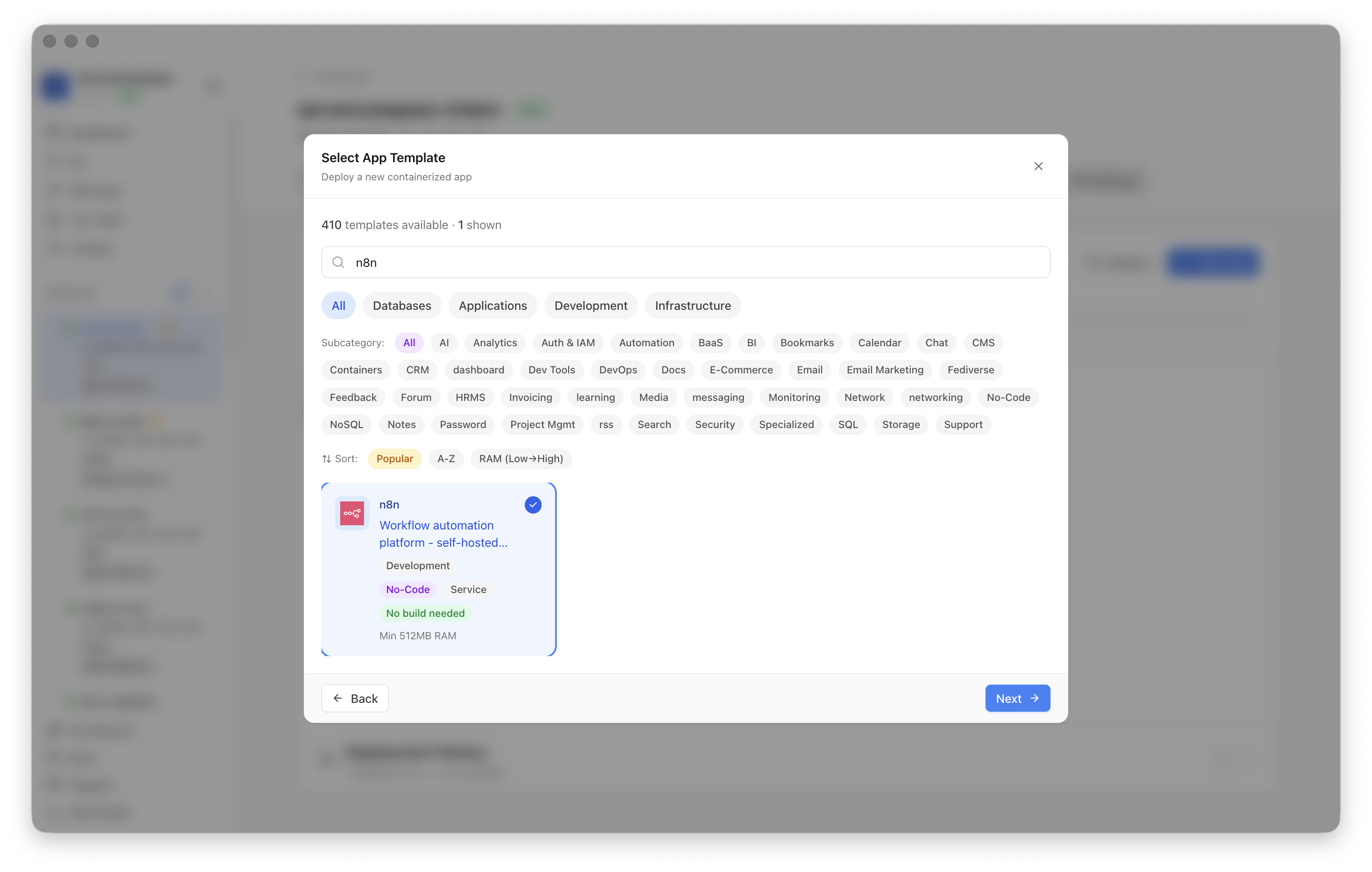 Deploying from a per-app template in ServerCompass — host prerequisites, volumes, and ports are resolved as part of the deploy instead of being left to a generic script.
Takeaway
A Compose file describes containers; it doesn't describe the host they need. Most "it started and then broke" incidents are a missing sysctl, an unloaded module, a directory the app can't write to, or a port already taken. Run the preflight before you bring the stack up, and the app that "should just work" actually does.
From across the StoicSoft network
Hand-curated reads on the same topic from sister sites in the StoicSoft family.