
Immich's hard part isn't installing it — it's the cluster of small failures that show up after install, all rooted in the same two boundaries: how Docker volumes are mounted, and where the database's assumptions meet your storage. The machine-learning sidecar "can't find" your library, photo timestamps land hours off, an upgrade complains about the database. None of these are mysterious once you know they all live at the volume/DB boundary. Here's the diagnostics checklist.
Symptom 1: a sidecar/container can't see mounted folders
Immich runs multiple containers (server, ML, microservices) that must share the same view of your photos. When the ML sidecar "can't see" the library, it's almost always a mount mismatch:
- Every Immich container that touches media must mount the library at the same path. If the server sees
/usr/src/app/uploadbut the ML container mounts something else, they disagree. - Bind-mount ownership must match the container user, or it reads an empty/forbidden directory — the host-directory-ownership trap.
- On NAS/network mounts, confirm the share is actually mounted on the host before Docker starts, or the container binds an empty path. Keep app state local and bulk media deliberate — the storage split.
Symptom 2: timestamps are wrong by hours
Photos showing up on the wrong day is a timezone boundary problem:
- Set the container's
TZto your actual timezone; without it, Immich interprets times in UTC and your "midnight" photos jump a day. - EXIF vs filesystem time: Immich prefers embedded EXIF, but files lacking it fall back to filesystem mtime — which a careless copy can rewrite. Preserve timestamps when you move files (the data-migration discipline).
Symptom 3: upgrades expose database/storage assumptions
When an upgrade suddenly complains, it's the DB boundary surfacing:
- Immich runs forward-only migrations; an interrupted or mismatched-version start can wedge it. Only ever move forward, and back up the database first — the upgrade-as-restore-problem.
- The Postgres volume must persist across restarts and use the Immich-specified image/extensions; a generic Postgres or a lost volume breaks it.
- Database and library must be consistent with each other — restore them together, never one without the other.
The boundary checklist
- All media-touching containers mount the library at the same path, owned by the container user.
- Network shares mounted on the host before Docker starts.
-
TZset correctly; timestamps preserved on any file move. - Postgres on a persistent volume with the required image; DB + library backed up and restored together.
- Upgrades go forward only, after a database dump.
Deploying Immich from a template avoids most of these by wiring the volumes, database, and environment consistently from the start:
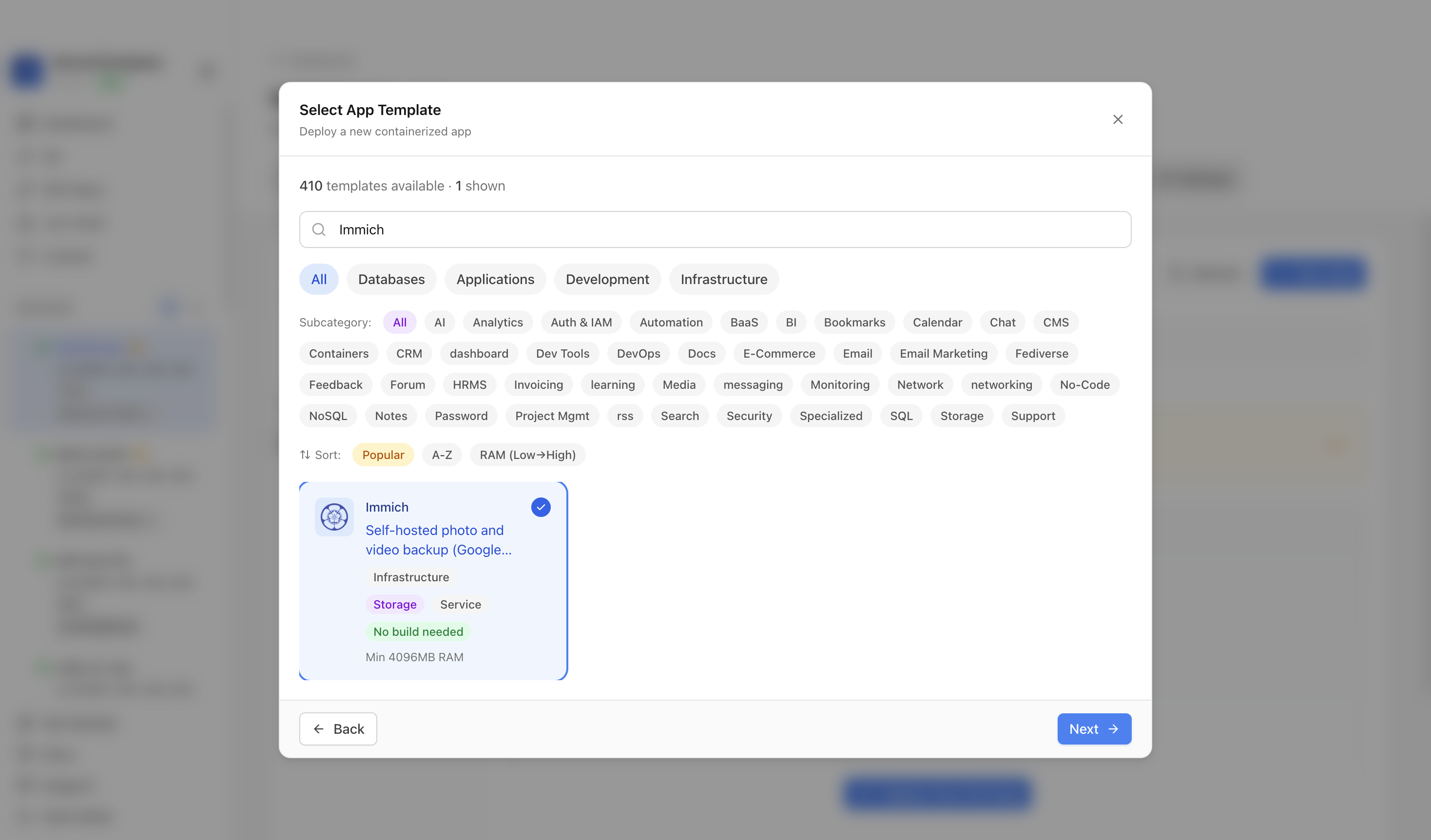 A template deploy in ServerCompass provisions Immich's containers, shared volumes, and Postgres together — so the post-install boundary issues above mostly never appear.
Takeaway
Every confusing Immich post-install symptom traces to one of two boundaries: the volume mount (paths, ownership, network timing) or the database (timezone, persistence, forward-only migrations). Check those, keep the DB and library consistent, and Immich settles down — the app was fine; the boundaries needed minding.