
PostHog is powerful until the event-based pricing catches up with your growth.
Self-hosting PostHog means you own your analytics data and pay flat server costs. The trade-off: PostHog is a complex stack (ClickHouse, Kafka, Postgres, Redis). This guide walks through a production-ready setup.
What you will have at the end
- PostHog running at
https://posthog.your-domain.com - Automatic SSL via Traefik
- Persistent data volumes for ClickHouse and Postgres
- A repeatable deployment you can back up and update
Step 1: Prepare the server
PostHog needs serious resources. Do not try this on a 2GB VPS.
sudo apt update && sudo apt upgrade -y
Install Docker if needed:
curl -fsSL https://get.docker.com | sh
sudo usermod -aG docker $USER
newgrp docker
Step 2: Create directory structure
mkdir -p ~/apps/posthog
cd ~/apps/posthog
Step 3: Clone the PostHog Docker repository
PostHog maintains official Docker Compose files. Use them.
git clone https://github.com/PostHog/posthog.git
cd posthog
Alternatively, create a minimal docker-compose.yml:
services:
  traefik:
    image: traefik:v2.11
    command:
      - --providers.docker=true
      - --providers.docker.exposedbydefault=false
      - --entrypoints.web.address=:80
      - --entrypoints.websecure.address=:443
      - --certificatesresolvers.letsencrypt.acme.tlschallenge=true
      - [email protected]
      - --certificatesresolvers.letsencrypt.acme.storage=/letsencrypt/acme.json
    ports:
      - 80:80
      - 443:443
    volumes:
      - /var/run/docker.sock:/var/run/docker.sock:ro
      - letsencrypt:/letsencrypt
    restart: unless-stopped

  db:
    image: postgres:15-alpine
    restart: unless-stopped
    environment:
      POSTGRES_USER: posthog
      POSTGRES_PASSWORD: ${POSTGRES_PASSWORD}
      POSTGRES_DB: posthog
    volumes:
      - postgres_data:/var/lib/postgresql/data

  redis:
    image: redis:7-alpine
    restart: unless-stopped
    volumes:
      - redis_data:/data

  clickhouse:
    image: clickhouse/clickhouse-server:23.8-alpine
    restart: unless-stopped
    volumes:
      - clickhouse_data:/var/lib/clickhouse
    ulimits:
      nofile:
        soft: 262144
        hard: 262144

  posthog:
    image: posthog/posthog:latest
    restart: unless-stopped
    depends_on:
      - db
      - redis
      - clickhouse
    environment:
      DATABASE_URL: postgres://posthog:${POSTGRES_PASSWORD}@db:5432/posthog
      REDIS_URL: redis://redis:6379
      CLICKHOUSE_HOST: clickhouse
      SECRET_KEY: ${SECRET_KEY}
      SITE_URL: https://posthog.your-domain.com
      IS_BEHIND_PROXY: "true"
    labels:
      - traefik.enable=true
      - traefik.http.routers.posthog.rule=Host(`posthog.your-domain.com`)
      - traefik.http.routers.posthog.entrypoints=websecure
      - traefik.http.routers.posthog.tls=true
      - traefik.http.routers.posthog.tls.certresolver=letsencrypt
      - traefik.http.services.posthog.loadbalancer.server.port=8000

volumes:
  letsencrypt:
  postgres_data:
  redis_data:
  clickhouse_data:
Step 4: Configure environment variables
Create .env file:
# Generate a secret key
SECRET_KEY=$(openssl rand -hex 32)

# Database password
POSTGRES_PASSWORD=$(openssl rand -hex 16)

# Site URL
SITE_URL=https://posthog.your-domain.com
Save these values securely. You will need them for recovery.
Step 5: Deploy
docker compose up -d
First startup takes several minutes as ClickHouse initializes.
Step 6: Verify installation
docker compose ps
docker compose logs -f posthog
Visit https://posthog.your-domain.com and create your admin account.
Backup strategy
PostHog stores data in multiple places. Back up all of them.
#!/bin/bash
# Daily backup script
BACKUP_DIR=/backups/posthog/$(date +%Y%m%d)
mkdir -p $BACKUP_DIR

# Postgres dump
docker exec posthog-db-1 pg_dump -U posthog posthog > $BACKUP_DIR/postgres.sql

# ClickHouse backup (large, consider incremental)
docker exec posthog-clickhouse-1 clickhouse-client --query "BACKUP DATABASE default TO Disk('backups', 'daily')"

# Compress
tar -czf $BACKUP_DIR.tar.gz $BACKUP_DIR
Consider using your VPS provider's snapshot feature for simpler recovery.
Troubleshooting
ClickHouse out of memory
ClickHouse is memory-hungry. If you see OOM errors:
- Increase VPS RAM to at least 16GB
- Add swap space as emergency buffer
- Check
docker statsfor memory usage
PostHog web UI returns 502
- Check if all containers are running:
docker compose ps - Verify ClickHouse is healthy:
docker compose logs clickhouse - Ensure Postgres migrations completed:
docker compose logs posthog
Events not appearing in dashboard
- Verify the JS snippet points to your self-hosted URL
- Check browser network tab for blocked requests
- Review PostHog container logs for ingestion errors
Slow queries on large datasets
- ClickHouse needs tuning for large installs
- Consider adding more RAM or switching to dedicated ClickHouse
- Enable query caching in PostHog settings
Internal links
- Tutorial: Deploy Docker Compose to VPS
- Tutorial: Self-Host Plausible Analytics
- Comparison: Vercel Alternatives
- ServerCompass: One-click PostHog deployment
Related in the StoicSoft network
If you're choosing a VPS provider or benchmarking real-world performance like the post above explores, StoicVPS is the StoicSoft network's independent tracker for VPS pricing, performance, and migration safety.
From across the StoicSoft network
Hand-curated reads on the same topic from sister sites in the StoicSoft family.
 Deploy Handbook
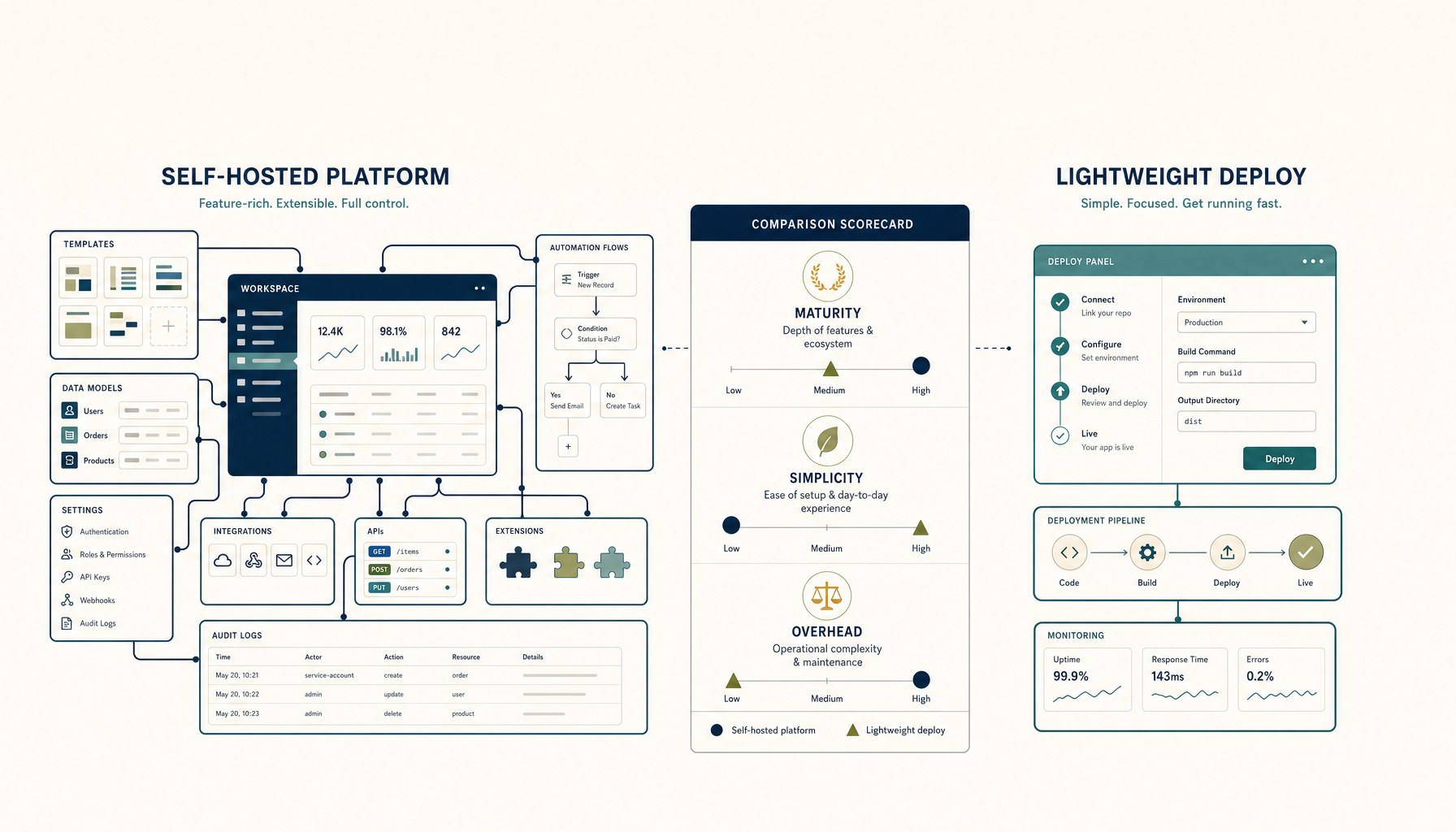
Coolify vs Dokploy: Self-Hosted PaaS Comparison
Both let you run your own Heroku. Which one should you pick for your VPS?
Read on deployhandbook.com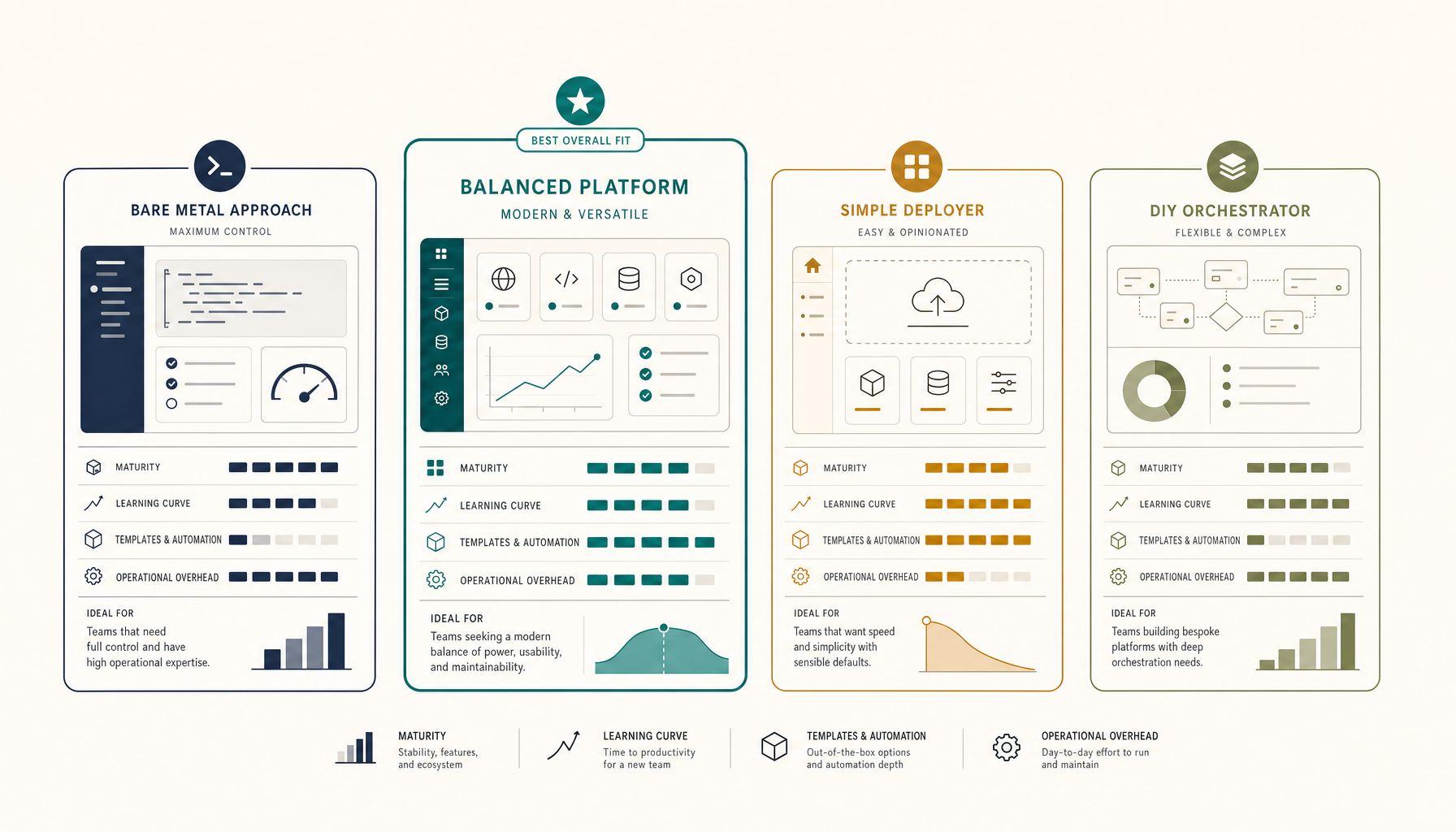 Deploy Handbook
Best Self-Hosted PaaS (2026): Coolify, Dokploy, CapRover, ServerCompass
A practical comparison of self-hosted PaaS options. Run your own Heroku alternative on a VPS for a fraction of the cost.
Read on deployhandbook.com