
Ghost is a professional publishing platform. Clean editor, memberships, newsletters, and SEO built in.
Self-hosting Ghost means no per-member fees for paid subscriptions. Keep 100% of your membership revenue.
What you will have at the end
- Ghost running at
https://blog.your-domain.com - Automatic SSL via Traefik
- MySQL database for production reliability
- Content and images persisted
Step 1: Prepare the server
sudo apt update && sudo apt upgrade -y
Install Docker if needed:
curl -fsSL https://get.docker.com | sh
sudo usermod -aG docker $USER
newgrp docker
Step 2: Create directory structure
mkdir -p ~/apps/ghost/content
cd ~/apps/ghost
Step 3: Create docker-compose.yml
services:
  traefik:
    image: traefik:v2.11
    command:
      - --providers.docker=true
      - --providers.docker.exposedbydefault=false
      - --entrypoints.web.address=:80
      - --entrypoints.websecure.address=:443
      - --certificatesresolvers.letsencrypt.acme.tlschallenge=true
      - [email protected]
      - --certificatesresolvers.letsencrypt.acme.storage=/letsencrypt/acme.json
    ports:
      - 80:80
      - 443:443
    volumes:
      - /var/run/docker.sock:/var/run/docker.sock:ro
      - letsencrypt:/letsencrypt
    restart: unless-stopped

  mysql:
    image: mysql:8.0
    restart: unless-stopped
    environment:
      MYSQL_ROOT_PASSWORD: ${MYSQL_ROOT_PASSWORD}
      MYSQL_DATABASE: ghost
      MYSQL_USER: ghost
      MYSQL_PASSWORD: ${MYSQL_PASSWORD}
    volumes:
      - mysql_data:/var/lib/mysql
    healthcheck:
      test: ["CMD", "mysqladmin", "ping", "-h", "localhost"]
      interval: 10s
      timeout: 5s
      retries: 5

  ghost:
    image: ghost:5-alpine
    restart: unless-stopped
    depends_on:
      mysql:
        condition: service_healthy
    environment:
      url: https://blog.your-domain.com
      database__client: mysql
      database__connection__host: mysql
      database__connection__user: ghost
      database__connection__password: ${MYSQL_PASSWORD}
      database__connection__database: ghost
      mail__transport: SMTP
      mail__options__host: ${SMTP_HOST}
      mail__options__port: ${SMTP_PORT}
      mail__options__auth__user: ${SMTP_USER}
      mail__options__auth__pass: ${SMTP_PASSWORD}
    volumes:
      - ./content:/var/lib/ghost/content
    labels:
      - traefik.enable=true
      - traefik.http.routers.ghost.rule=Host(`blog.your-domain.com`)
      - traefik.http.routers.ghost.entrypoints=websecure
      - traefik.http.routers.ghost.tls=true
      - traefik.http.routers.ghost.tls.certresolver=letsencrypt
      - traefik.http.services.ghost.loadbalancer.server.port=2368

volumes:
  letsencrypt:
  mysql_data:
Step 4: Configure environment variables
Create .env file:
# Database passwords
MYSQL_ROOT_PASSWORD=$(openssl rand -hex 16)
MYSQL_PASSWORD=$(openssl rand -hex 16)

# SMTP settings (for newsletters and member emails)
SMTP_HOST=smtp.example.com
SMTP_PORT=587
SMTP_USER=your-smtp-user
SMTP_PASSWORD=your-smtp-password

cat > .env << EOF
MYSQL_ROOT_PASSWORD=$MYSQL_ROOT_PASSWORD
MYSQL_PASSWORD=$MYSQL_PASSWORD
SMTP_HOST=$SMTP_HOST
SMTP_PORT=$SMTP_PORT
SMTP_USER=$SMTP_USER
SMTP_PASSWORD=$SMTP_PASSWORD
EOF
Configure SMTP for newsletters. Without it, member features are limited.
Step 5: Deploy
docker compose up -d
Wait for MySQL to initialize before Ghost starts.
Step 6: Complete setup
Visit https://blog.your-domain.com/ghost to access the admin panel.
Create your admin account and configure:
- Site title and description
- Staff users
- Navigation
- Theme (default Casper or upload custom)
Step 7: Configure memberships (optional)
For paid subscriptions:
- Go to Settings > Membership
- Connect Stripe for payments
- Configure subscription tiers
- Customize signup portal
Ghost handles member management, payments, and email delivery.
Step 8: Configure newsletters
- Go to Settings > Email newsletter
- Configure sender details
- Connect to Mailgun or use direct SMTP
- Test email delivery
Backup strategy
Ghost needs MySQL and content directory backups.
#!/bin/bash
# Daily backup script
BACKUP_DIR=/backups/ghost/$(date +%Y%m%d)
mkdir -p $BACKUP_DIR

# MySQL dump
docker exec ghost-mysql-1 mysqldump -u ghost -p$MYSQL_PASSWORD ghost > $BACKUP_DIR/ghost.sql

# Content directory (images, themes, settings)
tar -czf $BACKUP_DIR/content.tar.gz ~/apps/ghost/content

# Compress everything
tar -czf $BACKUP_DIR.tar.gz $BACKUP_DIR
Store backups off-server. Consider automated S3 uploads.
Troubleshooting
Cannot access admin panel
- Admin is at
/ghost, not/admin - Clear browser cache
- Check Ghost logs:
docker compose logs ghost
Images not uploading
- Check content directory permissions:
ls -la ~/apps/ghost/content - Verify disk space:
df -h - Ghost container needs write access to content volume
Emails not sending
- Verify SMTP credentials
- Check mail logs in Ghost admin
- Test with simpler SMTP settings first
- Consider using Mailgun for better deliverability
Site shows wrong URL
- The
urlenvironment variable must match your domain exactly - Restart Ghost after changing:
docker compose restart ghost - Clear Ghost cache if needed
Internal links
- Tutorial: Deploy Docker Compose to VPS
- Tutorial: Self-Host Plausible Analytics
- Comparison: WordPress Alternatives
- ServerCompass: One-click Ghost deployment
From across the StoicSoft network
Hand-curated reads on the same topic from sister sites in the StoicSoft family.
 Deploy Handbook
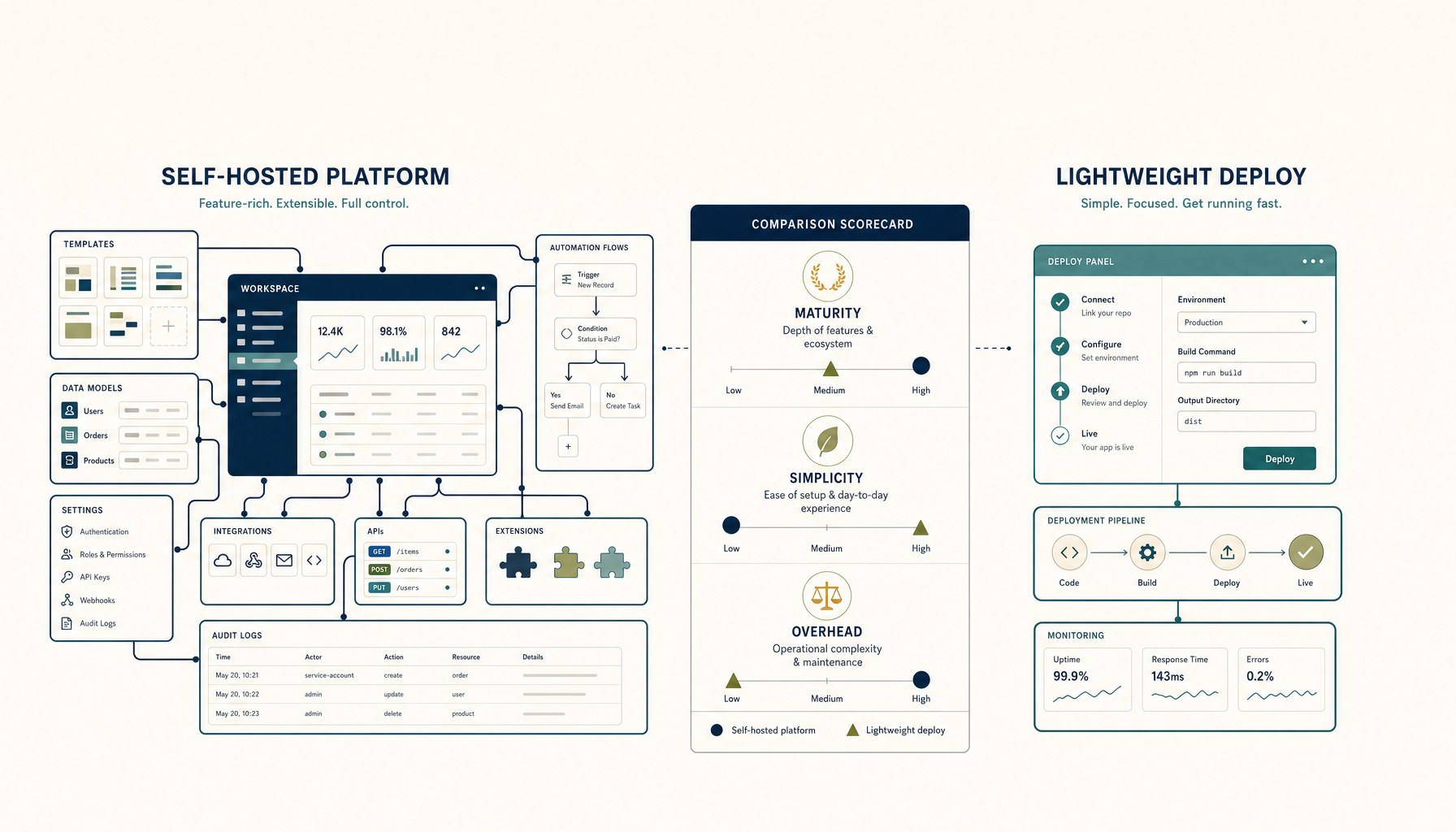
Coolify vs Dokploy: Self-Hosted PaaS Comparison
Both let you run your own Heroku. Which one should you pick for your VPS?
Read on deployhandbook.com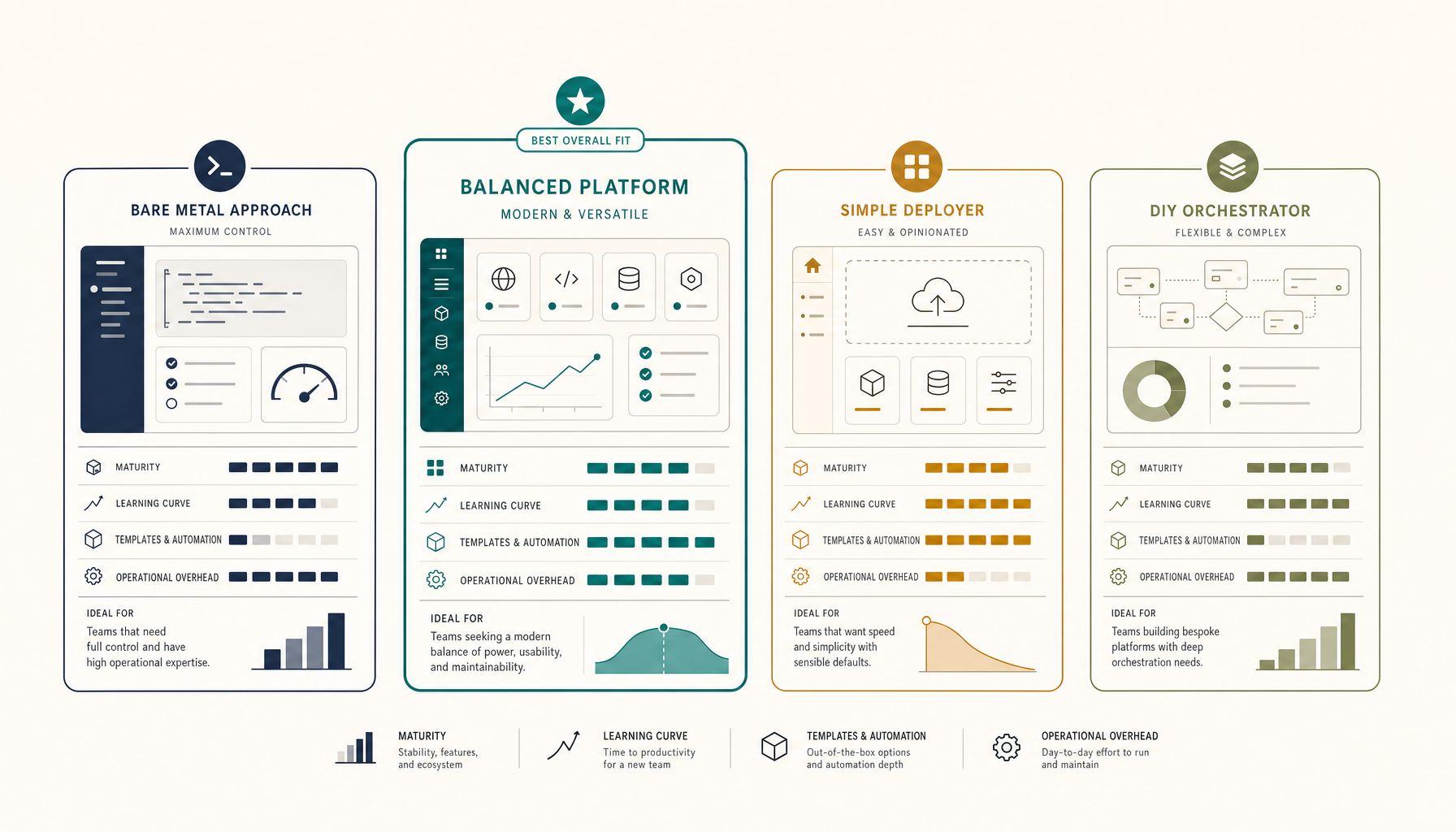 Deploy Handbook
Best Self-Hosted PaaS (2026): Coolify, Dokploy, CapRover, ServerCompass
A practical comparison of self-hosted PaaS options. Run your own Heroku alternative on a VPS for a fraction of the cost.
Read on deployhandbook.com