
A single point-to-point tunnel is the right answer for one server and one laptop. The trouble starts when "one box" quietly becomes a fleet: a homelab at home, a mini PC at a relative's house, a couple of cloud VPSes, and a dozen client devices. Suddenly you're hand-managing keys, tripping over overlapping 192.168.1.0/24 subnets, and discovering that device A can reach the server but device B can't reach device A. The tunnel didn't fail — it just stopped being the right shape.
Symptoms that you've outgrown a single tunnel
- You maintain WireGuard peers by editing config files by hand on every node.
- Two sites use the same LAN subnet, so routing to "the other 192.168.1.10" is ambiguous.
- Access is hub-shaped when you need any-to-any (the CGNAT relay pattern gets your apps reachable, but it doesn't make every node talk to every other node).
- Onboarding a new device means touching every existing node's config.
Option 1: a mesh overlay (least ongoing effort)
A mesh VPN like Tailscale gives every node a stable address on a private network and handles NAT traversal, key rotation, and ACLs centrally. Any node can reach any other node it's allowed to, regardless of which site it's at. For most growing fleets this is the pragmatic answer — the operational cost of hand-managed WireGuard is what you're really trying to escape.
If you want the mesh ergonomics without a hosted control plane, Headscale is an open, self-hosted coordination server that speaks to the same clients — you run the brain yourself and keep the convenience.
Option 2: hub-and-spoke WireGuard (most control)
If you prefer plain WireGuard, scale it deliberately as hub-and-spoke: one or two well-connected hubs (a cloud VPS with a public IP) that every site dials into, with routes advertised so spokes can reach each other through the hub. The discipline that makes this survivable:
- Non-overlapping subnets — give every site a distinct range (
10.10.1.0/24,10.10.2.0/24, …). Overlapping LANs are the number-one multi-site headache. - A single source of truth for peers and
AllowedIPs, generated rather than hand-edited. - Keepalives on NAT'd spokes so tunnels don't go quiet and drop.
For Linux nodes specifically, watch the stability and DNS gotchas covered in Tailscale on Linux: stability and backups — they apply to WireGuard too.
Option 3: don't mesh what doesn't need to mesh
Not every service needs fleet-wide reachability. Public-facing apps can sit behind a reverse proxy on a hub VPS and be reached over the internet with TLS, while only management traffic rides the overlay. Separating "things the public reaches" from "things only I reach" keeps the private network small and the attack surface smaller. Keep management off routable interfaces entirely — the boundary discipline in safer Docker management boundaries is the same idea applied to the control plane.
Choosing
- Several sites, many devices, want it to just work: mesh overlay (Tailscale or self-hosted Headscale).
- You value full control and don't mind the bookkeeping: hub-and-spoke WireGuard with disciplined subnets.
- Mostly public apps, a little private management: reverse proxy for the public side, a small overlay for the rest.
See the whole fleet in one place
However you connect the fleet, you still need to see it — which node is down, which cert is expiring, which disk is full across sites. A single pane over hybrid infrastructure beats SSHing into each box to check.
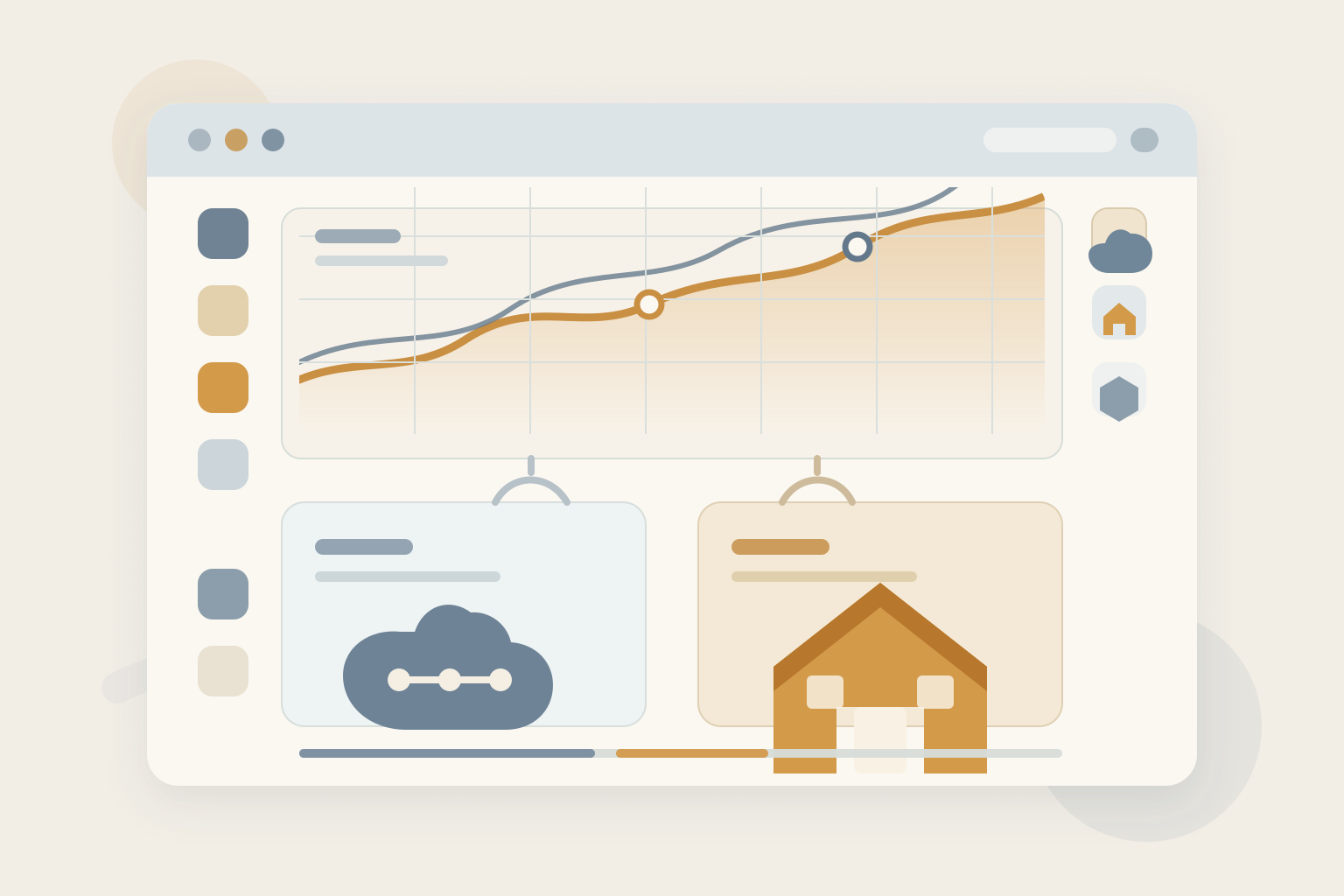 One dashboard over a multi-site fleet in ServerCompass — cloud VPSes and home boxes side by side instead of a folder of SSH bookmarks.
A single tunnel is a tool, not an architecture. Once you have a fleet, pick a model that scales onboarding and routing, keep subnets unique, and stop editing peer configs by hand.