
Most self-hosters back up their app databases and configs diligently, then hit a wall at the media library. A handful of gigabytes of app state is easy to replicate. Ten terabytes of photos and media is a different question: too big to casually mirror, too valuable (in parts) to shrug off. The mistake is treating it as one all-or-nothing decision. The answer is a tiered policy that backs up each kind of content according to how replaceable it actually is.
Sort the library by replaceability, not by size
The key question for every chunk of the library is: if this vanished, could I get it back? Three tiers fall out:
- Irreplaceable — personal photos and home video (your Immich library), recordings you can't re-acquire. If it's gone, it's gone forever.
- Re-acquirable with effort — media you ripped or downloaded and could obtain again, given time and hassle.
- Trivially replaceable — transcode caches, generated thumbnails, anything the app regenerates.
This tiering is the same recoverability-first logic behind selective Proxmox backups, applied to media.
Tier 1: irreplaceable gets the full 3-2-1
Your photo library is the one part that deserves real backup rigor:
- 3-2-1: at least one copy offsite, on different media. The Immich/Nextcloud data rules apply — back up the database and the originals together so albums and faces survive.
- Consider cloud cold storage for the offsite copy; multi-TB of photos is still affordable in archive tiers, and it's the one place skimping isn't worth it.
- Verify a restore at least once.
Tier 2: re-acquirable gets cheap redundancy, not sacred backup
For a media library you could rebuild:
- Local redundancy (a second disk, a parity/RAID setup) protects against the common case — a single drive failing — without paying to replicate terabytes offsite.
- An inventory list (what you had) is often more valuable than a full byte-for-byte backup; rebuilding from a list beats paying to store what you can re-acquire.
- Skip offsite replication unless the re-acquisition cost genuinely exceeds the storage cost.
Tier 3: don't back up what regenerates
Transcode caches, thumbnails, and derived data should be excluded from backups entirely — the app rebuilds them. Backing them up wastes space and slows every backup run. Keep them on fast disk (the app-state vs bulk-storage split) and let them be ephemeral.
Storage placement follows the tiers
- App databases + irreplaceable originals' index → fast SSD, backed up.
- Bulk media → the big spinning pool, with local redundancy.
- Caches → fast disk, never backed up.
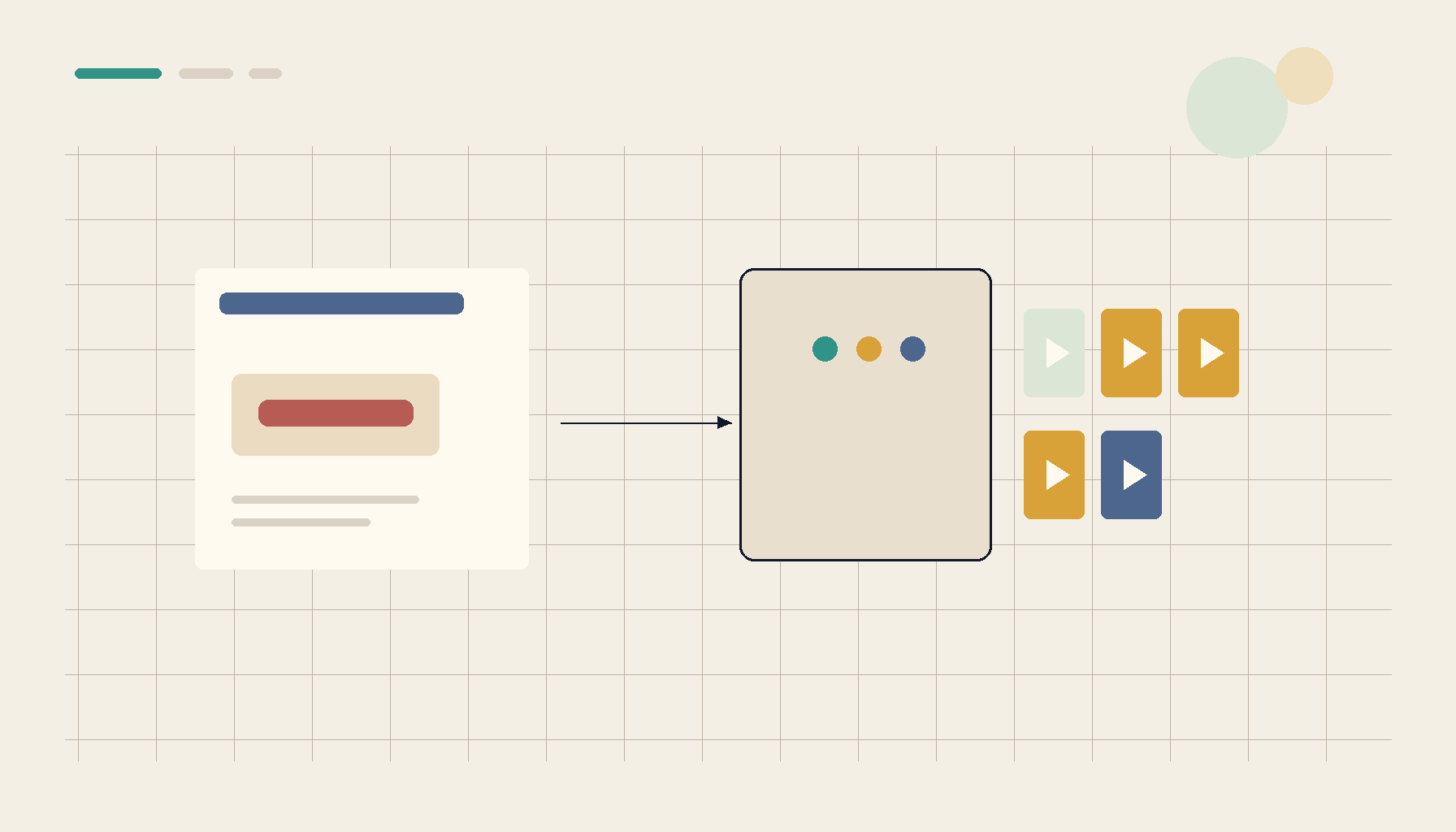 Planning media storage and backup tiers in ServerCompass — separating the irreplaceable photo library from re-acquirable media so each gets the protection it actually warrants.
Policy checklist
- Library sorted into irreplaceable / re-acquirable / regenerable.
- Irreplaceable photos on full 3-2-1 with a tested restore.
- Re-acquirable media on local redundancy + an inventory, not offsite replication.
- Caches/thumbnails excluded from backups.
- Storage placement matches the tiers.
Takeaway
A 10TB library isn't one backup decision; it's three. Give your irreplaceable photos real 3-2-1 protection, give re-acquirable media cheap local redundancy and an inventory, and stop backing up caches the app rebuilds anyway. Tier it by replaceability and the "too big to back up" library becomes a solved, affordable problem.
From across the StoicSoft network
Hand-curated reads on the same topic from sister sites in the StoicSoft family.
 Deploy Handbook8 min read
Best single-dashboard app health for self-hosters who aren't ready for Prometheus
Homelab and VPS users want one calm dashboard for app health — not a full observability stack. Here are the tools that hit the middle layer between SSH and Grafana.
Read on deployhandbook.com Deploy Handbook8 min read
Proxmox panels vs lightweight deploy tools — which one do you actually need?
Homelab and VPS users keep conflating infrastructure management with application deployment. Here's how to tell whether you need a full Proxmox-style panel or just a deploy layer with monitoring.
Read on deployhandbook.com