
You are going to deploy a Bun application to a VPS:
- Bun's native runtime (not Node.js)
- small Docker images (Bun's binary is ~50MB)
- fast cold starts
- HTTPS with automatic certificates
Bun is ideal for VPS deployments because it uses less memory and starts faster than Node.js.
What you will have at the end
https://your-domain.comserving your Bun app- A Docker image under 100MB
- Sub-second cold starts
- A repeatable deploy workflow
Step 1: Prepare your Bun project
Your package.json should have a start script:
{
  "name": "my-bun-app",
  "scripts": {
    "start": "bun run src/index.ts",
    "build": "bun build src/index.ts --outdir ./dist --target bun"
  }
}
For HTTP servers, make sure you bind to 0.0.0.0:
// src/index.ts
const server = Bun.serve({
  port: 3000,
  hostname: "0.0.0.0",  // Important: not "localhost"
  fetch(req) {
    return new Response("Hello from Bun!");
  },
});

console.log(`Server running at http://${server.hostname}:${server.port}`);
Step 2: Create the Dockerfile
Bun provides official Docker images. Create Dockerfile:
FROM oven/bun:1-alpine AS deps
WORKDIR /app
COPY package.json bun.lockb* ./
RUN bun install --frozen-lockfile

FROM oven/bun:1-alpine AS build
WORKDIR /app
COPY --from=deps /app/node_modules ./node_modules
COPY . .
RUN bun run build

FROM oven/bun:1-alpine AS run
WORKDIR /app
ENV NODE_ENV=production

# Copy only what's needed for production
COPY --from=build /app/dist ./dist
COPY --from=build /app/package.json ./
COPY --from=deps /app/node_modules ./node_modules

USER bun
EXPOSE 3000
CMD ["bun", "run", "dist/index.js"]
For simpler apps without a build step:
FROM oven/bun:1-alpine
WORKDIR /app

COPY package.json bun.lockb* ./
RUN bun install --frozen-lockfile --production

COPY . .

USER bun
EXPOSE 3000
CMD ["bun", "run", "src/index.ts"]
Step 3: Set up the VPS directory
SSH into your VPS:
mkdir -p ~/apps/bun-app
cd ~/apps/bun-app
Copy your project files or clone from git:
git clone https://github.com/you/your-bun-app.git .
Step 4: Create docker-compose.yml with Traefik
services:
  traefik:
    image: traefik:v2.11
    command:
      - --providers.docker=true
      - --providers.docker.exposedbydefault=false
      - --entrypoints.web.address=:80
      - --entrypoints.websecure.address=:443
      - --entrypoints.web.http.redirections.entrypoint.to=websecure
      - --certificatesresolvers.letsencrypt.acme.tlschallenge=true
      - [email protected]
      - --certificatesresolvers.letsencrypt.acme.storage=/letsencrypt/acme.json
    ports:
      - 80:80
      - 443:443
    volumes:
      - /var/run/docker.sock:/var/run/docker.sock:ro
      - letsencrypt:/letsencrypt
    restart: unless-stopped

  app:
    build: .
    restart: unless-stopped
    environment:
      - NODE_ENV=production
      - PORT=3000
    labels:
      - traefik.enable=true
      - traefik.http.routers.app.rule=Host(`your-domain.com`)
      - traefik.http.routers.app.entrypoints=websecure
      - traefik.http.routers.app.tls=true
      - traefik.http.routers.app.tls.certresolver=letsencrypt
      - traefik.http.services.app.loadbalancer.server.port=3000

volumes:
  letsencrypt:
Replace your-domain.com and [email protected].
Step 5: Deploy
docker compose up -d --build
Check the logs:
docker compose logs -f app
You should see Bun's startup message almost instantly. Verify HTTPS:
curl -I https://your-domain.com
Step 6: Optimize for production
Add health checks to your compose file:
  app:
    build: .
    restart: unless-stopped
    healthcheck:
      test: ["CMD", "bun", "--eval", "fetch('http://localhost:3000/health').then(r => process.exit(r.ok ? 0 : 1))"]
      interval: 30s
      timeout: 10s
      retries: 3
    # ... labels
Add a health endpoint to your app:
const server = Bun.serve({
  port: 3000,
  hostname: "0.0.0.0",
  fetch(req) {
    const url = new URL(req.url);

    if (url.pathname === "/health") {
      return new Response("OK", { status: 200 });
    }

    return new Response("Hello from Bun!");
  },
});
Update workflow:
git pull
docker compose up -d --build
Troubleshooting
Bun lockfile errors
If you see bun.lockb issues:
# Regenerate lockfile locally
bun install

# Or in Docker, remove --frozen-lockfile temporarily
RUN bun install
Make sure bun.lockb is committed to git if using --frozen-lockfile.
TypeScript files not found
Bun can run TypeScript directly, but paths matter:
# Check your entry point exists
docker compose exec app ls -la src/

# Verify the CMD in Dockerfile matches your file structure
Connection refused on port 3000
Your Bun server must bind to 0.0.0.0, not localhost:
// Wrong
const server = Bun.serve({ port: 3000 });

// Correct
const server = Bun.serve({
  port: 3000,
  hostname: "0.0.0.0"
});
Memory usage higher than expected
Bun is efficient, but check for leaks:
docker stats

# Profile memory in your app
docker compose exec app bun --smol run src/index.ts
The --smol flag reduces memory usage at the cost of some performance.
Internal links (recommended next reads)
- Tutorial: Deploy Hono - Bun-native web framework
- Tutorial: Deploy Docker App - container fundamentals
- Comparison: Vercel Alternatives
- ServerCompass: Deploy Bun apps instantly
From across the StoicSoft network
Hand-curated reads on the same topic from sister sites in the StoicSoft family.
 StoicVPS8 min read
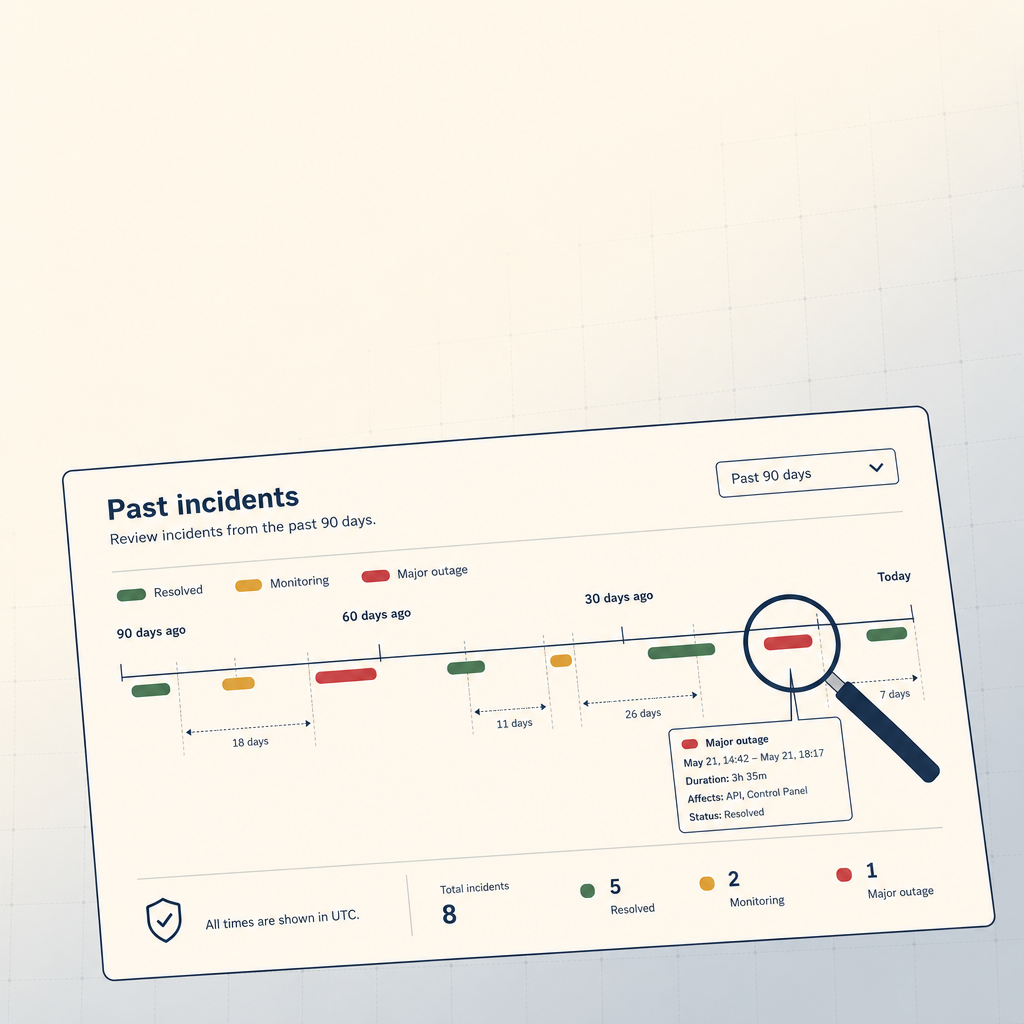
How to Read a VPS Provider's Status Page (And What to Ignore)
The status page is the single most underused signal in VPS provider evaluation. The 90-day skim, what to look for, and what to weight elsewhere.
Read on stoicvps.com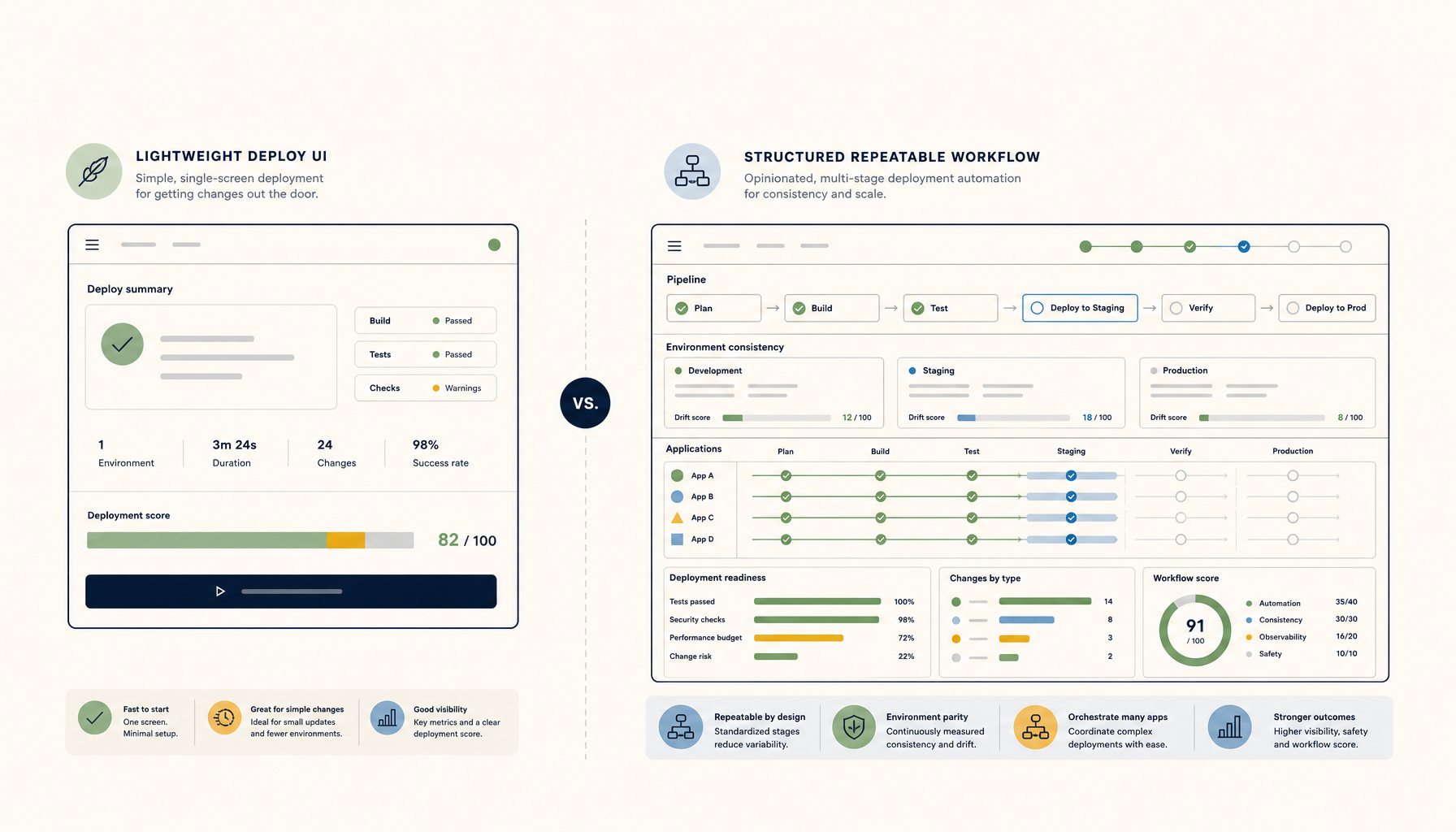 Deploy Handbook
Dokploy vs ServerCompass: Self-Hosted Deploy Tools Compared
Head-to-head comparison for developers choosing between Dokploy and ServerCompass for VPS deployments.
Read on deployhandbook.com